
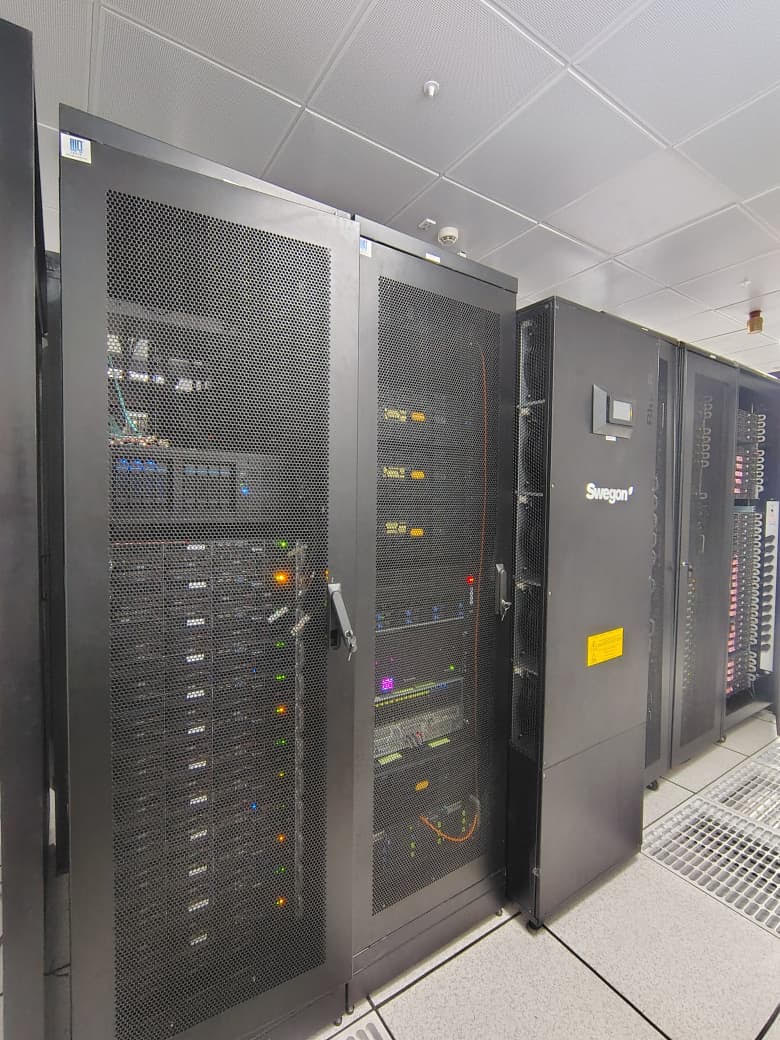
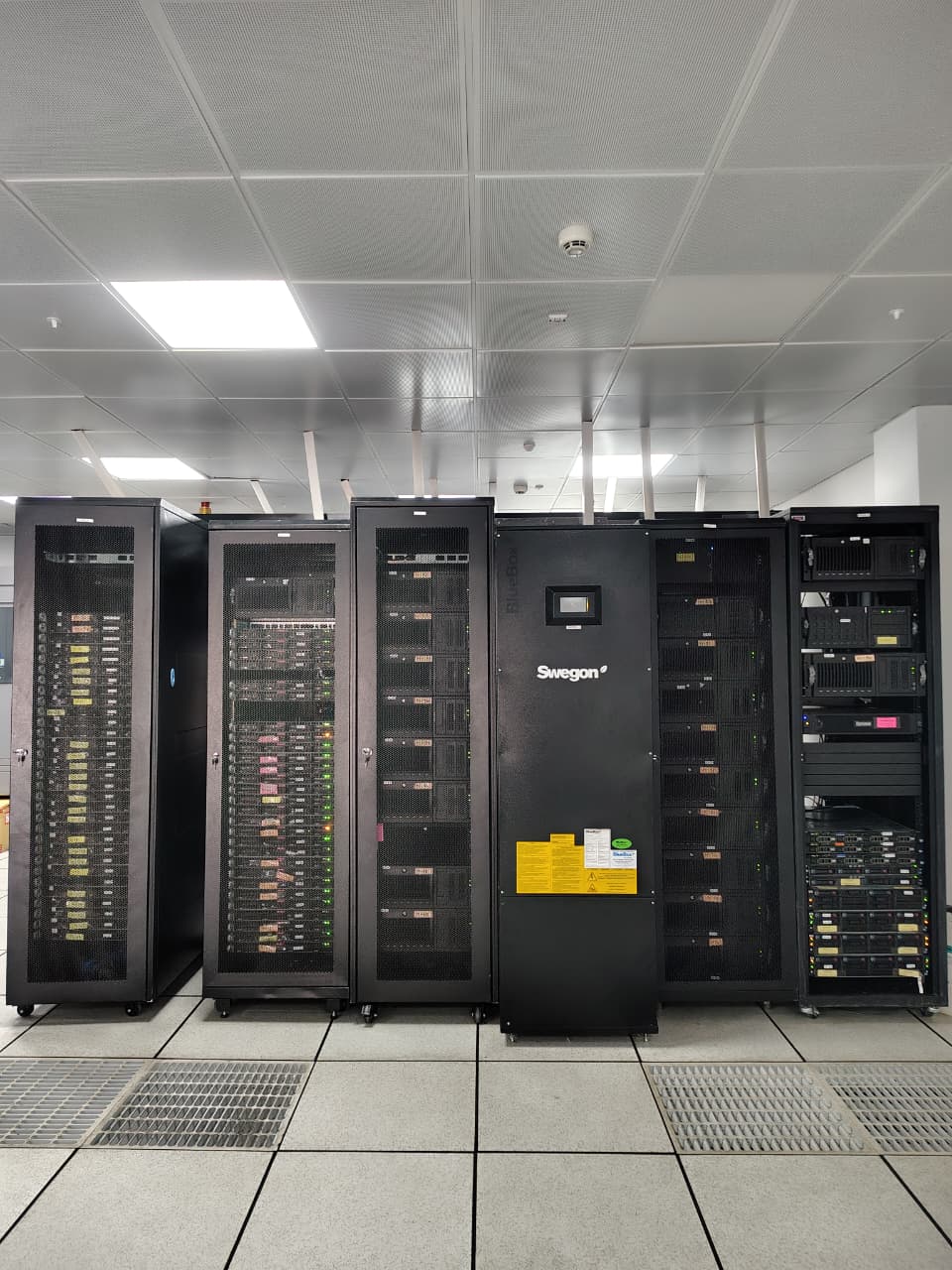
The High Performance Computing (HPC) facility at IIT Mandi provides a centralized Linux-based computing environment to support research and teaching activities requiring high computational power. The facility enables users to perform scientific simulations, computational modelling, machine learning, artificial intelligence, data analytics, and other compute-intensive workloads.
The HPC infrastructure comprises 171 compute nodes equipped with Intel Xeon Gold/Bronze processors, offering 64 GB to 128 GB RAM per node with a 10 Gbps high-speed interconnect, providing a reliable platform for parallel and high-performance computing.
Detailed information regarding HPC account registration, software availability, user documentation, and usage guidelines is available on the official HPC website.
Visit HPC Website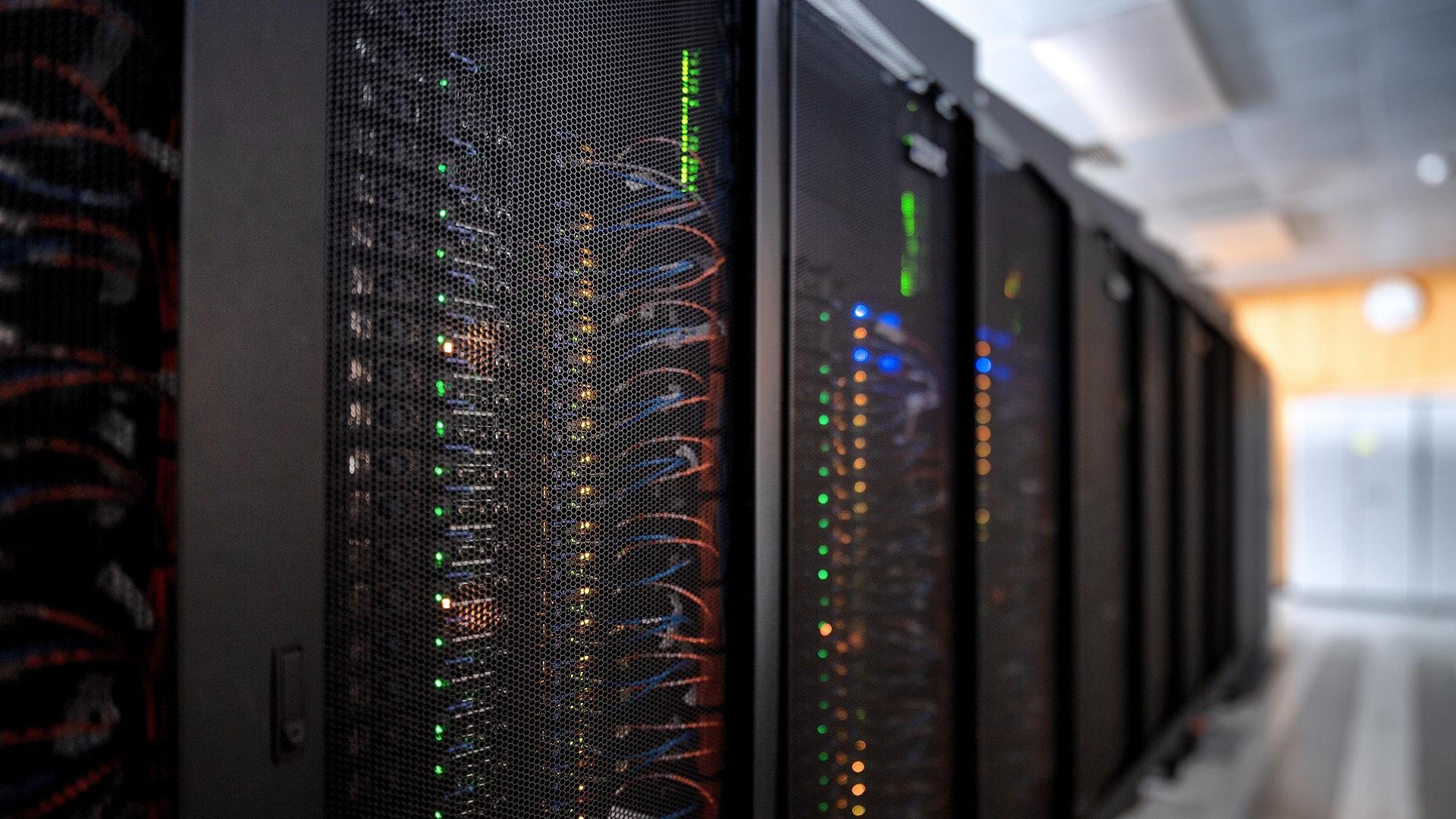
Authorized users can access the HPC cluster through the following login servers using SSH.
| Host/Server Name | Host/Server IP | Purpose |
|---|---|---|
| n17 | 10.8.15.40 | CPU Login Server |
| n199 | 10.8.1.19 | CPU Login Server |
| n65 | 10.8.1.20 | GPU Login Server |
Connect to the desired login server using:
ssh <username>@10.8.15.40
ssh <username>@10.8.1.19
ssh <username>@10.8.1.20If you need to transfer files between your local computer and the HPC cluster, it is recommended to use **`rsync`** instead of **`scp`**. `rsync` is faster, more reliable, and transfers only the portions of files that have changed, making it highly efficient for large datasets and repeated synchronizations. It also supports resuming interrupted transfers, allowing data transfer to continue from where it left off in the event of a network failure or other interruption.
Copy files from your local computer to the HPC:
rsync -avz /path/to/local/file_or_directory
<username>@10.8.15.40:~/destination/
Copy files from the HPC to your local computer:
rsync -avz <username>@10.8.15.40:~/source/
/path/to/local/destination/<username> with your HPC username and update the source and destination paths as required.
For detailed information regarding account registration, access procedure, software, documentation, and usage guidelines, please visit the official HPC website.