
PARAM Himalaya Supercomputing Facility at IIT Mandi provides high-performance computing resources for scientific research, engineering simulations, artificial intelligence, machine learning, computational modelling, and data-intensive applications. The facility is managed by Digital & Computing Services (DCS) and enables researchers to execute parallel applications efficiently using the SLURM workload manager.
Researchers can access CPU nodes, High Memory nodes, and GPU accelerated nodes for their computational workloads.
Visit PARAM Himalaya Website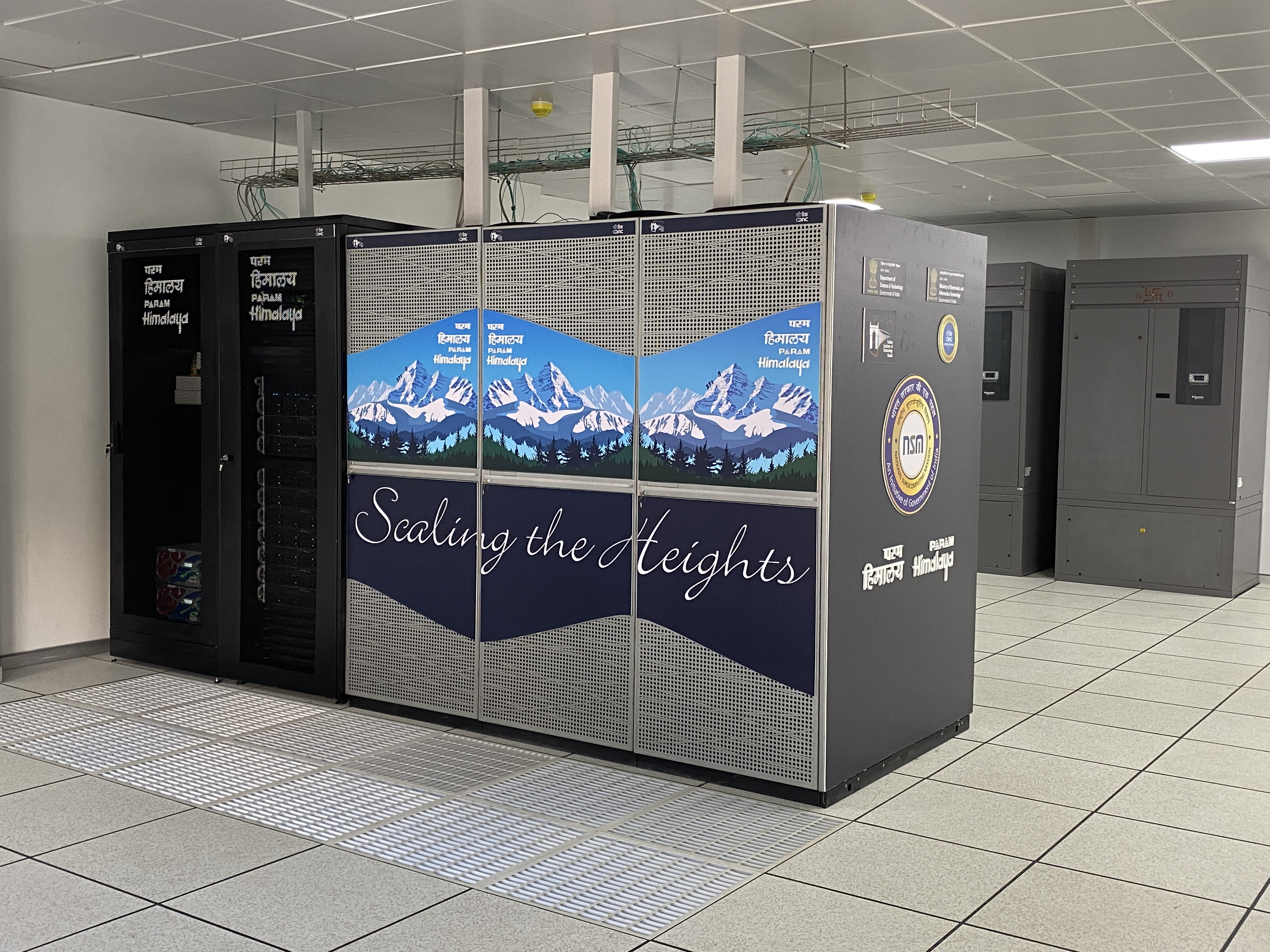
Connect to PARAM Himalaya using SSH:
ssh yourusername@paramhimalaya.iitmandi.ac.in -p 4422If you need to transfer files between your local computer and the HPC cluster, it is recommended to use **`rsync`** instead of **`scp`**. `rsync` is faster, more reliable, and transfers only the portions of files that have changed, making it highly efficient for large datasets and repeated synchronizations. It also supports resuming interrupted transfers, allowing data transfer to continue from where it left off in the event of a network failure or other interruption.
Copy files from your local computer to the HPC:
rsync -avz /path/to/local/file_or_directory
<username>@paramhimalaya.iitmandi.ac.in:~/destination/
Copy files from the HPC to your local computer:
rsync -avz <username>@paramhimalaya.iitmandi.ac.in:~/source/
/path/to/local/destination/<username> with your HPC username and update the source and destination paths as required.
All compute nodes are connected using a High-Speed InfiniBand (IB) network.
| Command | Description |
|---|---|
srun |
Run a command on allocated compute nodes. |
sbatch |
Submit a batch job. |
squeue |
Show status of queued jobs. |
sinfo |
Display compute node status. |
salloc |
Allocate nodes for interactive jobs. |
scancel |
Cancel submitted jobs. |
#SBATCH -A account_name |
Specify project account in your job script. |
Users are strongly encouraged to use the pre-installed software modules available on the PARAM Himalaya cluster.
Guest users are invited to experience the advanced capabilities of the PARAM Himalaya Supercomputing Facility. Access for external users is available on a paid basis as per the institute policy.

Facility

Charges
For any queries, kindly email us at it_helpdesk@iitmandi.ac.in